Wave Sculptor
Create custom wavetables for your favorite synthesizers

Want to try some Wave Sculptor wavetables? Download the Amuse-Bouche sample pack
Create custom wavetables for your favorite synthesizers
Want to try some Wave Sculptor wavetables? Download the Amuse-Bouche sample pack
Wavetables contain a number of short sounds (often single cycle waveforms) that a synthesizer or sampler play on a loop. The different steps in a wavetable may have slightly different timbres, so when your synthesizer or sampler can modulate the step in the wavetable they are playing you morph and change the timbre of your sound. Wavetables are the fundamental building blocks of sound design with these devices. The wavetables define the raw character of your sound before filters, envelopes, and effects shape it into something finished. With Wave Sculptor, you can create unique wavetables that seamlessly morph between different timbres, giving your synthesizer or sampler rich, evolving textures that stand apart from factory presets.
Whether you're designing a pad that slowly transforms from warm and hollow to bright and crystalline, or a bass that shifts through harmonic complexity, Wave Sculptor gives you the precision tools to craft exactly what you hear in your head. Build your wavetables quickly and intuitively on your iPhone, iPad, or Mac, then export them to any synth that accepts wavetable imports.
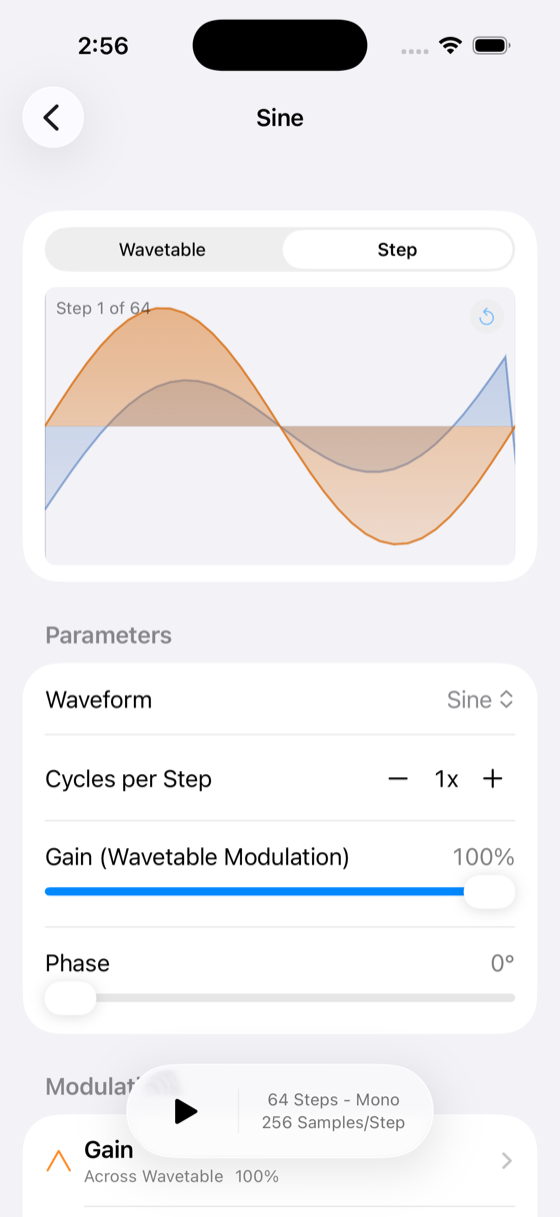
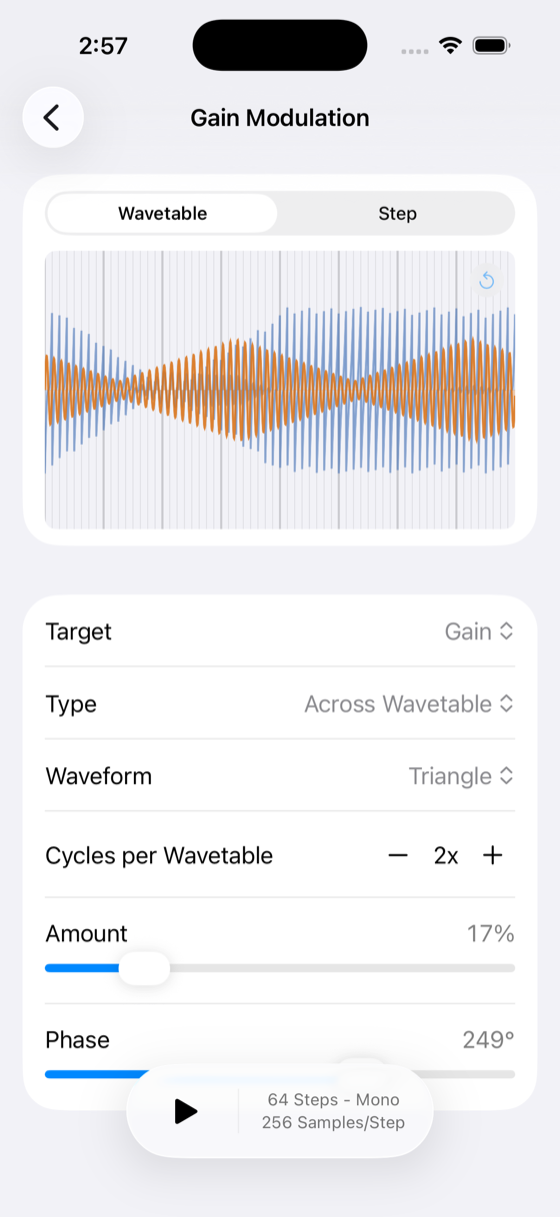
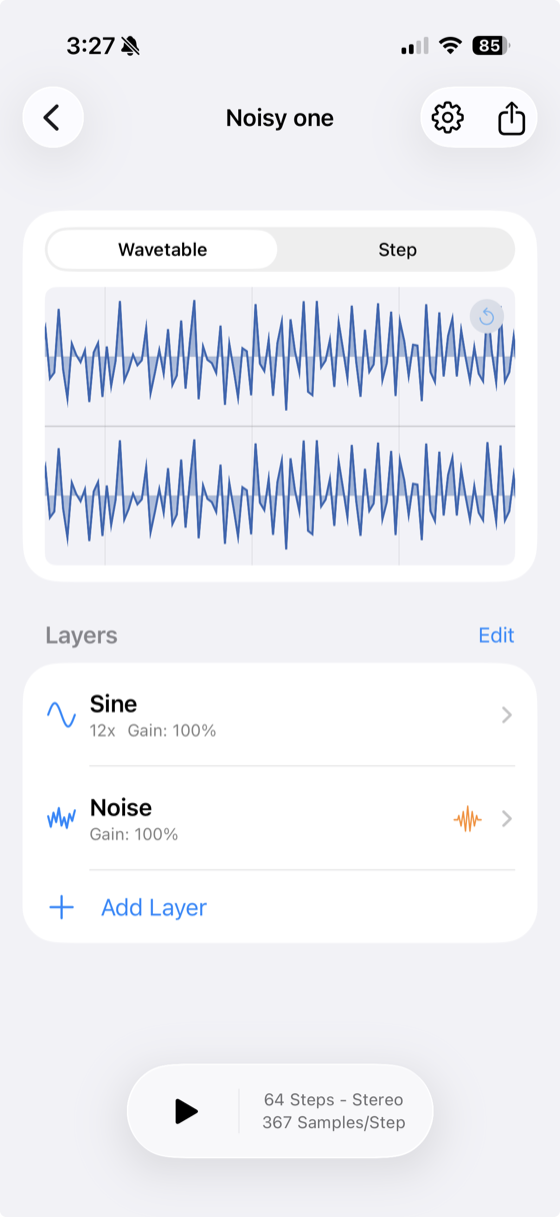
Wave Sculptor exports a standard .wav file made of N equal-length steps. You build each step by layering waveforms together, then use modulation to evolve the sound across the wavetable.
Wave Sculptor exports a standard WAV file divided into N equal-length steps. Your synth or sampler sweeps through these steps using its wavetable position control, morphing the timbre of the sound.
In Wave Sculptor, each step is built from layers. Each layer is a waveform — sine, square, saw, or noise — with its own gain, phase, pulse width, and balance. Wave Sculptor sums the layers to produce the step.
Wave Sculptor lets you modulate any layer parameter across all steps using shapes like ramp up, ramp down, sine, or square — so the timbre smoothly evolves as the wavetable position is swept.
For help or questions, contact us at support@rocamr.com
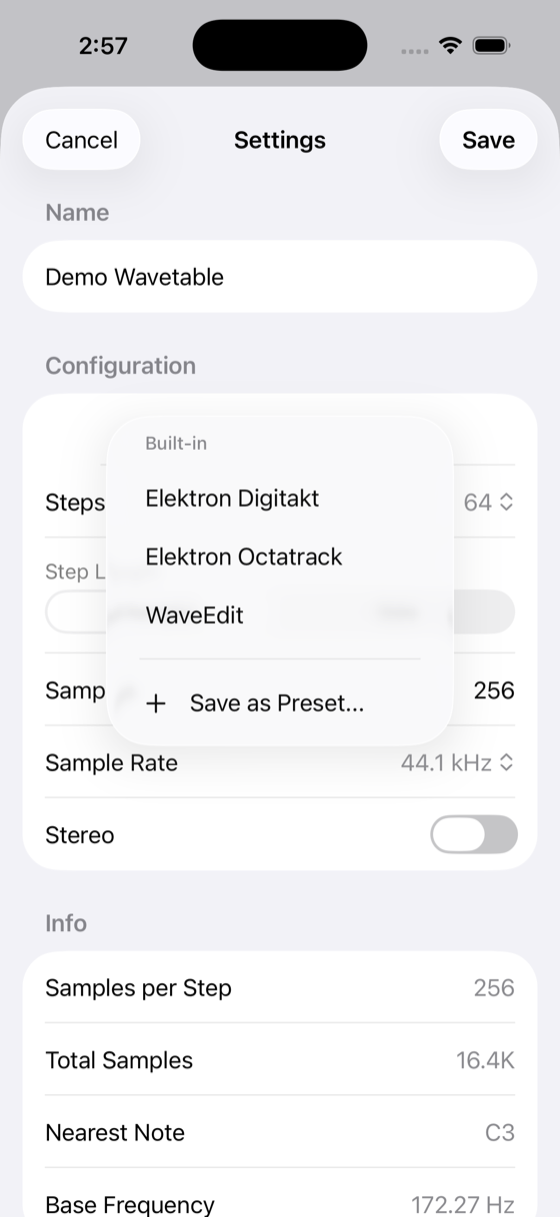
Wave Sculptor exports standard WAV files that work with any synthesizer that accepts wavetable imports, including Elektron Digitakt/Octatrack, ALM MCO mk II, Make Noise MultiWAVE, WaveEdit compatible devices, and many more. Don't see your device here? Let me know and I'll add it!
Open Wave Sculptor on your new device and tap "Restore Purchases" in the settings. Make sure you're signed in with the same Apple ID used for the original purchase.
The free version lets you create up to 3 wavetables with full access to all creation and export features. Upgrade to Pro for unlimited wavetables.
Last updated: January 2026
Wave Sculptor ("we", "our", or "the app") respects your privacy. This policy explains what data we collect and how we use it.
Wave Sculptor does not integrate with any third-party services that collect user data.
Wave Sculptor does not knowingly collect any information from children under 13.
We may update this privacy policy from time to time. Any changes will be posted on this page.
If you have questions about this privacy policy, contact us at support@rocamr.com
By using Wave Sculptor, you agree to these terms.
Questions? Contact us at support@rocamr.com